8 guides · Build 42.21
Graphics
Switch first and third person, install 3D models, or isolate blur, frame drops and shader issues in Viewpoint.
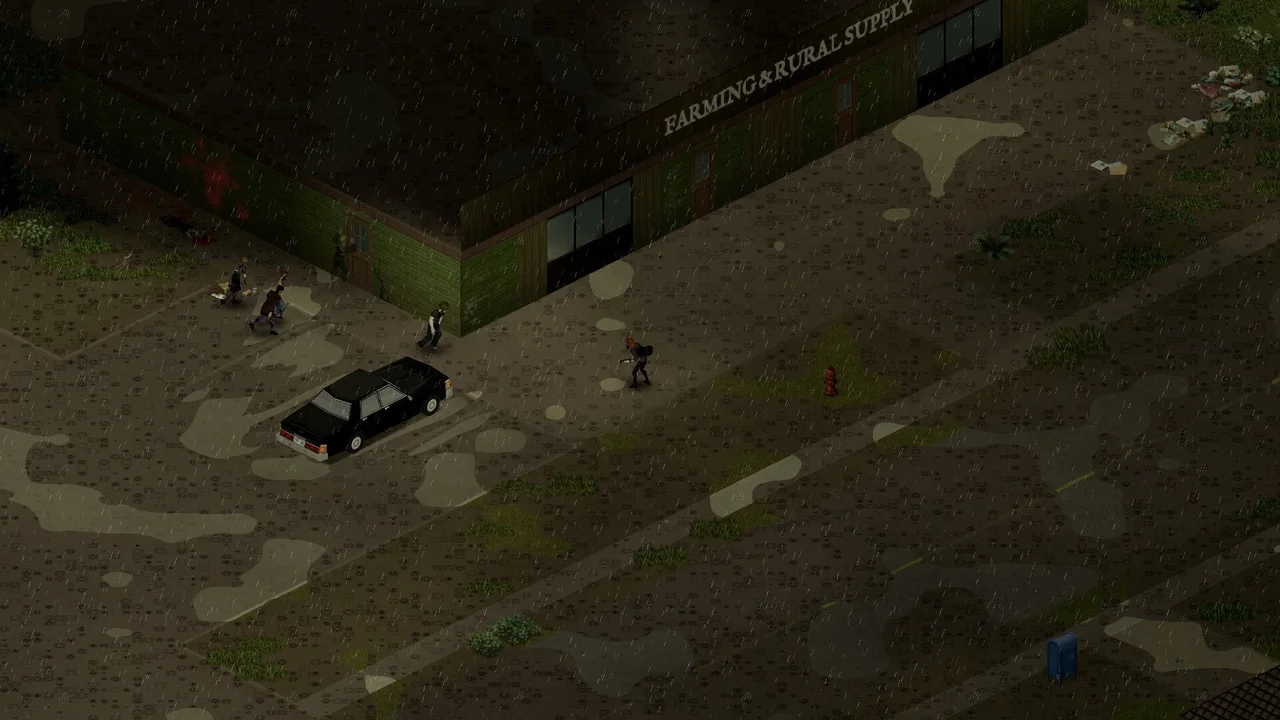
Wrong view, flat props or blurry frames?
Change the view first, then add models or effects. Camera movement, model coverage and image quality are different results. Keep the same scene, angle and weather while testing one change. An older cinematic preset can target a superseded shader system; its video date is not a compatibility check.
The backs of roofs are missing
Check coverage, model switches and saved-marker cleanup for Tile Fix.
Follow the steps →Keep an overhead view, but rotate it in 3D
Enable OldPoint and choose its controls, visibility and automatic switches.
Follow the steps →The update added hills I do not want
Find World, Detail and the experimental Terrain Relief switch.
Follow the steps →Choose native resolution or an upscaler
Compare reconstruction, anti-aliasing and frame generation separately.
Follow the steps →Switch view or change camera settings
Find O, Shift+O and Delete before changing rendering add-ons.
Follow the steps →Furniture stays flat or a roof clips
Separate a disabled pack from objects outside its alpha coverage.
Follow the steps →The image is soft or frames drop
Compare the same scene and separate general, scope-only and storm-only cost.
Follow the steps →An old shader recipe no longer works
Check the current shader format and the limits of experimental packs.
Follow the steps →Before changing your setup
- Confirm the local loader before diagnosing a camera that never switches.
- Record GPU, preset, game and mod versions with a rendering report.
- For forecasts or the visual-versus-gameplay weather modules, choose Weather.
All graphics guides
OldPoint controls: rotate the 3D overhead camera
Install OldPoint 0.6.97, switch to overhead view, rotate and zoom, and distinguish fixed-camera options from an unavailable Java add-on.
Read guide →Turn off Viewpoint hills: the Terrain Relief setting
Find World → Detail → Terrain Relief in Viewpoint alpha-0.1.6, restore flat terrain and compare the same scene without resetting your save.
Read guide →Viewpoint FSR, XeSS and DLSS: diagnose blur before boosting FPS
Separate native resolution, anti-aliasing, experimental upscaling and frame generation in Viewpoint alpha-0.1.6 without promising support on every GPU.
Read guide →Viewpoint camera controls, FOV and shader presets
Use O, Shift+O, Free Cam and Delete to choose first person, third person, mouse settings and Vanilla, Default or Vivid presets.
Read guide →Install Viewpoint 3D models and diagnose missing objects
Set up the 6244 model pack in the right order, distinguish missing models from roof clipping, and prepare a useful object report.
Read guide →Diagnose blurry Viewpoint graphics and FPS drops
Separate blur, frame-rate drops and scope or storm cost, compare a simple preset, and report a repeatable problem without a universal GPU fix.
Read guide →Find Viewpoint shader packs and avoid outdated Dreamy settings
Locate the custom shader-pack folder, use built-in presets as a baseline, and distinguish experimental Iris support from a guaranteed pack format.
Read guide →Fix missing roof backs with Viewpoint Tile Fix
Restore Complete Roofs after the October Viewpoint update, check model switches and coverage, and remove its saved roof markers correctly.
Read guide →