Camera & graphics
Viewpoint camera controls, FOV and shader presets
O toggles Viewpoint's first-person view; Shift + O switches first and third person. Open Delete for camera, mouse, FOV and shader settings. Start with a simple preset, then adjust one effect at a time.
On this page
The base Viewpoint key map
| Default key | Author-described action |
|---|---|
| O | First person on/off |
| Shift + O | Switch first and third person |
| Insert + O | Free Cam |
| Shift + Insert + O | Physical Free Cam |
| Middle mouse | Cursor on/off |
| Delete | Settings: presets, shaders, mouse and field of view |
These are Viewpoint bindings, not a vanilla Project Zomboid key list. If O does nothing, diagnose loading first. Free Cam is a separate mode; do not use it as proof that your normal player camera is configured.
Choose a look before tuning every switch
| Preset | What the author describes | When to start here |
|---|---|---|
| Vanilla | A simpler look close to the original game aesthetics | You want a restrained baseline before adding effects. |
| Default | The full effect set with individual switches | You want to choose which effects to keep. |
| Vivid | Warmer colors and more pronounced atmosphere and camera effects | You prefer a stylized look and can compare it against your baseline. |
Open Delete and choose the preset there. Compare the same scene and weather after each change. The author describes Vanilla as fast, but we have no measured FPS gain for your hardware. A preset name is not a compatibility guarantee.
Custom shader packs go in Zomboid/viewpoint-shaderpacks. The author calls IRIS-compatible Minecraft shader support experimental; use the built-in choices first if your goal is a reliable starting point.
FOV, zoom and the cursor are different controls
Use Delete for Viewpoint's field-of-view and mouse settings. FOV changes the view angle; choosing first or third person changes the camera mode. Unlocking the cursor allows you to use UI controls rather than moving the camera.
With the current QOL companion enabled, the wheel handles third-person distance, Ctrl + wheel adjusts FOV, and Shift + wheel cycles the hotbar. Those defaults belong to QOL and may be rebound. See the QOL control map if wheel behavior differs from a base-Viewpoint tutorial.
If setup traps the cursor, disable Lock Cursor to Window under the main-menu UI options, as the Viewpoint author suggests. That setup suggestion is not a cure for every rendering failure.
Compare views without risking your main save
- Use a test or backed-up save and note your current preset.
- Try O, then Shift + O, and confirm which perspective you are in before changing FOV.
- Open Delete, change one preset or setting, then return to the same scene.
- If a freeze begins, record the last change, GPU and log instead of guessing a universal fix.
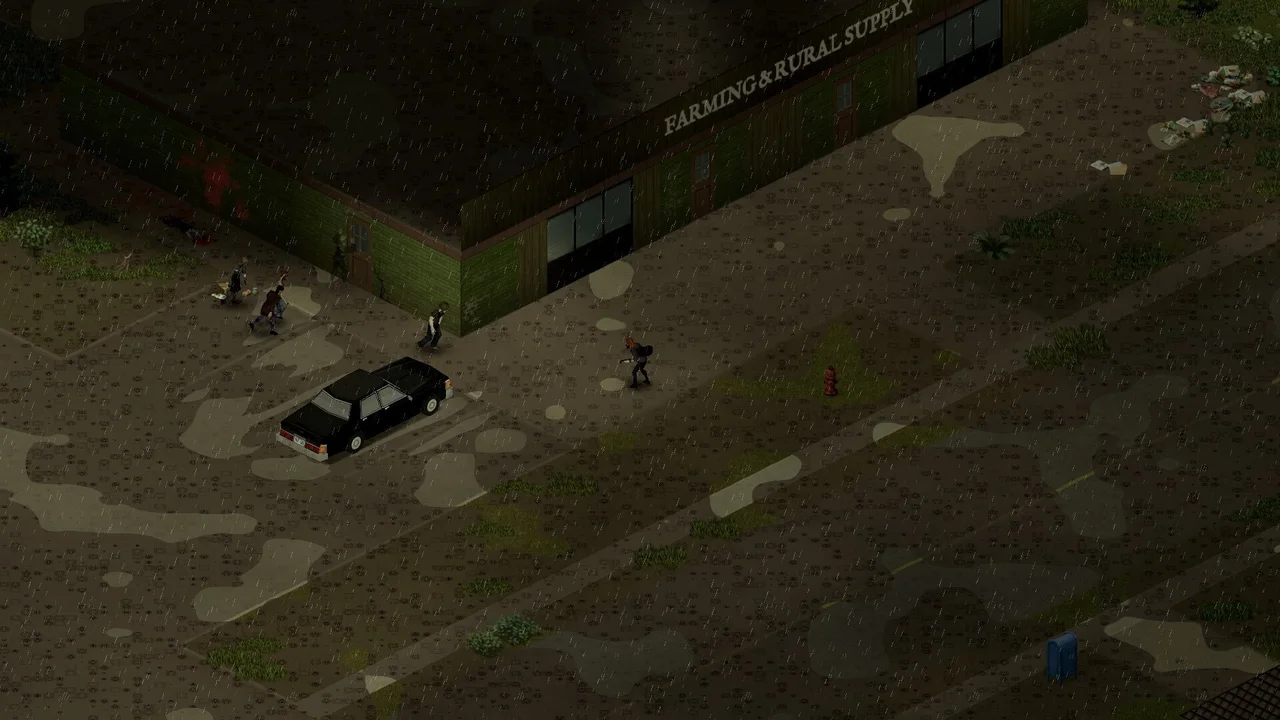
The image above identifies the original game. It is not a before/after Viewpoint benchmark or evidence that a particular object renders correctly in the mod. Split-screen, every old save and every mod combination are outside the tested scope here.
Sources & version
Based on author documentation and community instructions, not our own gameplay test. Later updates may change defaults.