Graphics
OldPoint controls: rotate the 3D overhead camera
OldPoint is a separate Viewpoint add-on for a rotating overhead camera. Enable it with Viewpoint and ZombieBuddy, then use Shift + O to cycle first person, third person and OldPoint overhead. Hold middle mouse and move to rotate; scroll to zoom. A fixed-camera option disables rotation, so check that before reinstalling.
On this page
Enable the overhead add-on
Use the original OldPoint item, Workshop ID 3815999052, Mod ID OldPoint. Its 0.6.97 description names Project Zomboid 42.21, Viewpoint 0.1.6 and ZombieBuddy 2.3.0 or newer. It is independently developed; the core author’s warning about external Java add-ons still applies.
- Back up the world and confirm the base Viewpoint camera works first.
- Subscribe to and enable OldPoint in the mod list used by that world, keeping its dependencies enabled.
- Follow the author’s advice to load OldPoint after other Viewpoint extensions.
- Fully restart after updating. Review the expected OldPoint Java file at ZombieBuddy’s approval prompt.
If the camera never activates, check whether its Java file actually loaded. A green enabled entry alone is not the final checkpoint.
Switch, rotate and keep your preferred view
- O toggles Viewpoint’s 3D mode; it does not by itself install OldPoint.
- Shift + O cycles first person → third person → overhead → first person with this add-on enabled.
- Hold middle mouse while moving the mouse to rotate; use the wheel for smooth zoom. Use your own bindings if you changed them.
Open Mod Options → OldPoint for distance limits, separate shortcuts and outline choices. Ordinary Shift+O entry resets the overhead orientation, pitch and zoom as described by the current author. The dedicated overhead toggle instead remembers its camera state and the previous mode. These are different entry behaviors, not evidence that a saved zoom is corrupt.
If rotation does nothing, check the optional vanilla fixed-camera mode: it deliberately keeps zoom while disabling rotation. A rotation binding can also conflict with Viewpoint’s cursor action; the author’s current reply directs rotation-key changes to Viewpoint settings opened with Delete.
Visibility and automatic switches are separate settings
Version 0.6.97 defaults to the original game’s field-of-view visibility rules for zombies. A forward arc can be always visible, appear only while aiming, or be hidden; the author’s default is aiming only. An overhead view is not a promise to reveal every zombie behind you.
Experimental automatic switching has separate choices for entering and leaving buildings and the driver’s seat. Choose a camera mode or no change for the relevant event. Vehicle switching concerns the driver, not every passenger. If the view changes unexpectedly, record that event and inspect its assigned mode before changing the normal Shift+O binding.
Aiming offsets remain under investigation in this release. Complex buildings, curtains, shader packs and other add-ons can still have visual issues. Reproduce on a test world and report the versions, load order, shader and console.txt; do not assume the showcase proves your full stack compatible.
See the overhead view before choosing it
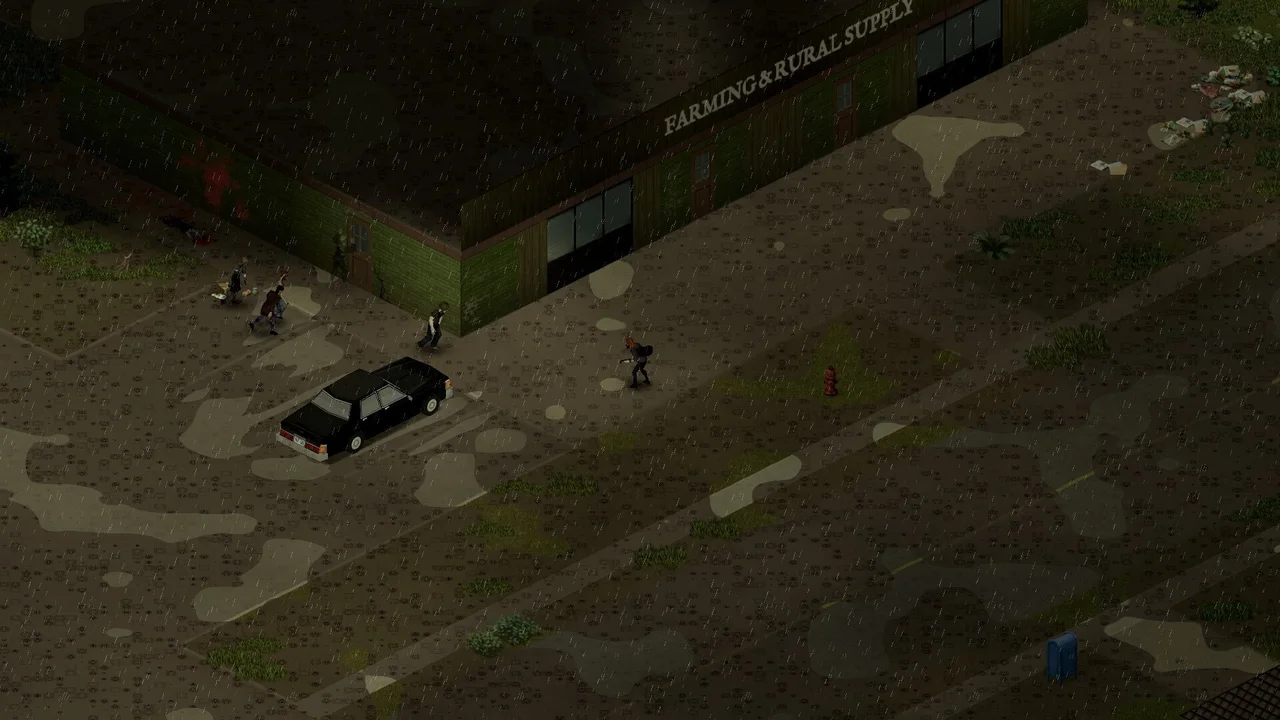
Pukis’s showcase illustrates the overhead look. It predates the latest OldPoint update and is not a 0.6.97 settings tutorial or our gameplay test; use the controls above for the checked version.
You are done when overhead entry, rotation and zoom behave as intended and you can return to the previous view. For the core camera without OldPoint, use the base Viewpoint controls.
Sources & version
Based on author documentation and community instructions, not our own gameplay test. Later updates may change defaults.