Graphics
Fix missing roof backs with Viewpoint Tile Fix
For Viewpoint Tile Fix — Complete Roofs, enable Graphics → 3D model packs, set Advanced → World → Detail → Model packs' models within (chunks) above 0, and tick Viewpoint Tile Fix on the Model packs tab. The pack has no Java component, so its absence from ZombieBuddy's Java list is normal.
On this page
Check the location before changing your installation
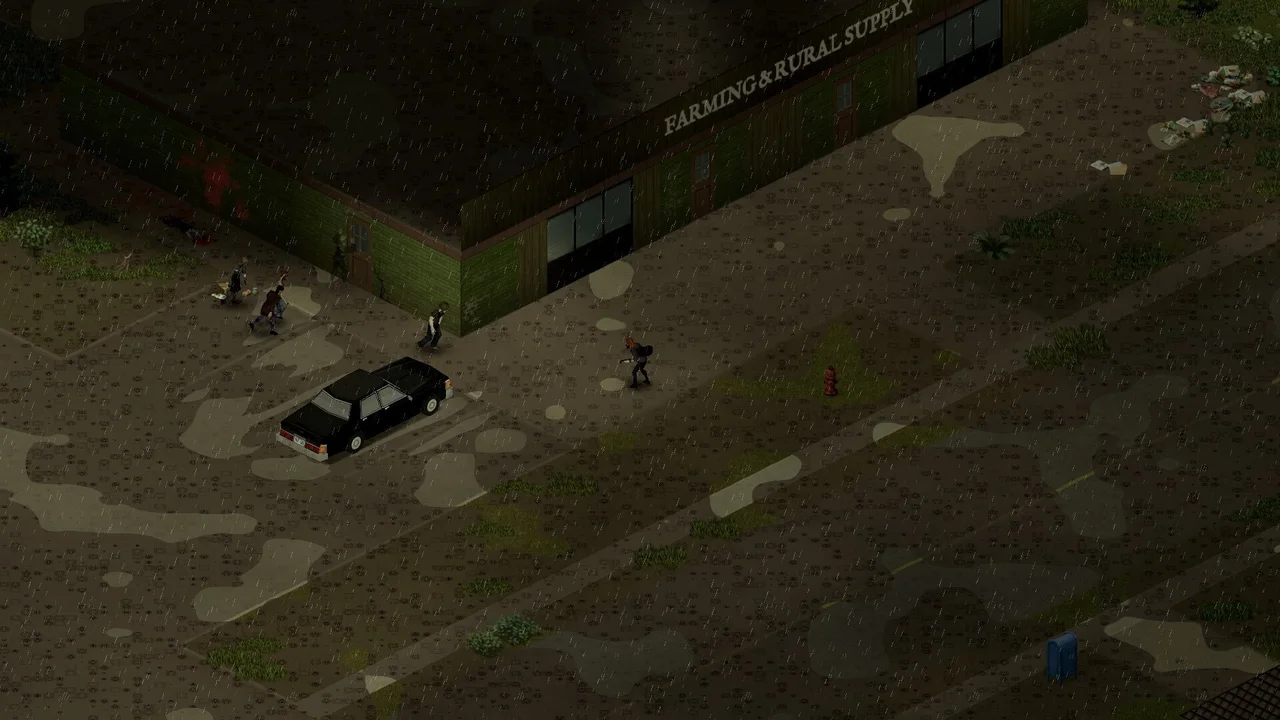
Item 3814178814, Mod ID ViewpointTileFix, fills missing rear roof slopes, corners and gable pieces that the original isometric map did not need to show. It is a Viewpoint model pack, not a replacement game map or the general 6244 furniture pack.
The author's covered areas include Muldraugh, West Point, Riverside, Rosewood, March Ridge, Ekron, Irvington, Brandenburg, Echo Creek, Fallas Lake, Valley Station, the countryside and Grapeseed. Louisville and other modded maps are not covered. Where expected original tiles were replaced by a map mod, its safety checks can deliberately leave that building alone.
Version 1.3 was checked by its author with Viewpoint alpha-0.1.6. Core Viewpoint now closes some roofs itself, while this pack retains additional map-shaped roofs. Do not assume every visible opening needs this pack.
Restore a pack that vanished after the October update
- Back up the save and confirm the original Viewpoint and Tile Fix items are enabled for this world.
- If Viewpoint itself has just updated, complete its intended approval and memory-change prompt. The author describes one automatic close followed by another launch; distinguish that from a repeated crash.
- Press Delete. On Graphics, turn 3D model packs on.
- Open Advanced → World → Detail. Set Model packs' models within (chunks) above 0; zero disables all model packs. Record the old value rather than copying a maximum as an FPS recommendation.
- On that page's Model packs tab, tick Viewpoint Tile Fix.
- Compare the same covered building from the same side. A lower preset can change the model settings, so inspect them again after changing presets.
You are done when the expected missing roof pieces appear at the covered location. Nearby furniture becoming three-dimensional is a different check; use the general model flow for that symptom.
Remove the pack from a single-player save
In single player, the pack adds invisible roof-marker tiles as areas load and saves them with the world. Preserve a backup before removing it.
- Open Options → Mods → Viewpoint Tile Fix.
- Untick Complete the roofs. The author says the area around you is cleared immediately.
- Visit the other places you previously explored so their markers can be cleared too.
- Then unsubscribe from the pack.
Simply unsubscribing is not the author's full saved-marker cleanup procedure. These instructions describe this pack, not the removal process for every visual model mod.
When a particular roof is still wrong
Check the coverage and map replacement first. Tile sheet number 7613 is used by this pack; another mod using that number can conflict. The draw distance belongs to Viewpoint's settings, so reinstalling the roof item does not set a new distance.
Bind the pack's tile-inspector key under its Mods options, use it at the faulty roof and send the author Zomboid/Lua/ViewpointTileFix_dump.txt with a screenshot and location. State the game, Viewpoint, pack and map versions.
The author has tested single player. Since 1.1 the added roof pieces are drawn on each client's screen without sending them to the server, but multiplayer is still described as experimental. This guide does not certify a server or every custom building.
Sources & version
Based on author documentation and community instructions, not our own gameplay test. Later updates may change defaults.